AI invitations & RSVPs
Every celebration starts here.
Describe your event - AI designs the invite. Send it, then track every reply.

Designed by AI for weddings, birthdays,
brunches & every celebration.
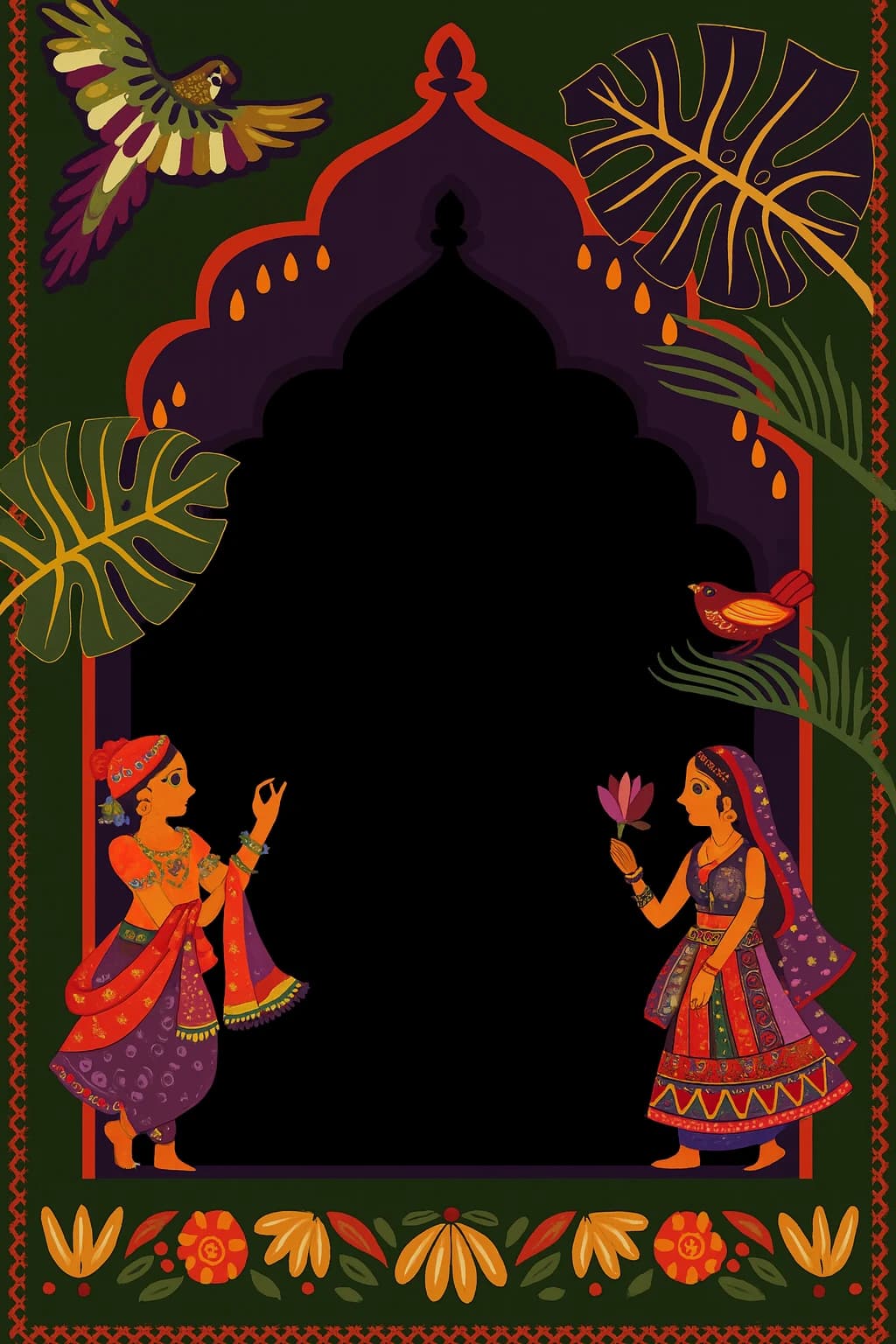
Together with blessings
Aarav & Mira
request the pleasure of your company
Saturday, the 18th of October
Sunset Garden, Jaipur
RSVP by 1 October
Template gallery
Every style is designed by AI
Pick a look, add your details. Real outputs, placeholder text.

Save the date
Emma & James
are getting married by the sea
Friday, the 6th of June 2026
Amalfi Coast, Italy
RSVP by 1 May
Beach wedding
Please join us
Golden Anniversary
forty years of love — Robert & Eleanor
Sunday, the 12th of July
The Savoy, London
RSVP by 20 June
Anniversary
Bridal shower
Celebrating Sophie
before she says “I do”
Saturday, the 9th of August, 2 PM
The Garden Room
RSVP by 25 July
Bridal shower
You are invited
Brunch & Bubbly
an engagement celebration
Sunday, the 3rd of May, 11 AM
Rose & Vine, Brooklyn
RSVP by 20 April
Engagement brunch
Roar — you are invited
Lucas turns four
a dino-mite birthday party
Saturday, the 15th of March, 4 PM
12 Maple Lane
RSVP to Mom: (555) 123-4567
Kids birthday
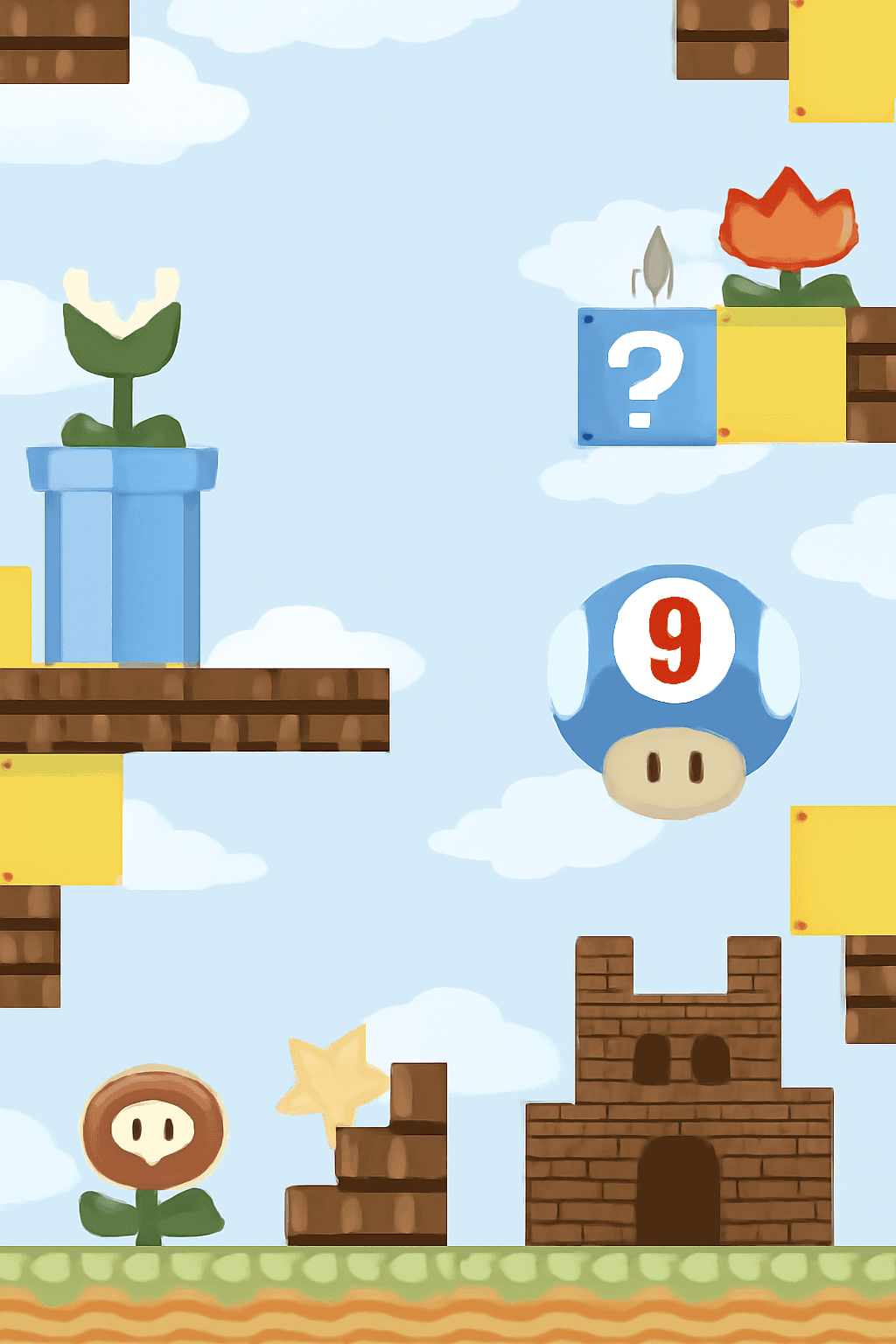
Level up
Ethan turns nine
a super game-day party
Sunday, the 22nd of June, 3 PM
The Arcade, Riverside
RSVP by 15 June
Kids birthday
How it works
From idea to RSVP in four steps
Describe it
Tell the AI about your event.
AI designs
Get invitation artwork back.
Make it yours
Drop in names and details.
Send & track
Share links, watch RSVPs arrive.
AI Studio
Design invites with AI
Describe the occasion in plain words. Lekha designs the artwork and writes the wording in one chat then saves it straight to your event.
Open AI Studio →Event Hub
Run the whole event
Keep the invite, your guest list, and every RSVP in one place with a personal link for each guest and live reply tracking.
Open Event Hub →Emma & James · Guests
18 attendingReady when you are
Make your first invitation tonight
Describe the occasion and see a design in seconds.